Best Mini PCs for Small Home Offices (2026)
Disclosure: As an Amazon Associate, UnfoldDesk earns from qualifying purchases at no extra cost to you. Links marked “Check price on Amazon” are affiliate links.
Mini PCs are the smartest computer choice for a small home office: a full desktop that hides behind your monitor or sits in a corner the size of a paperback. The best mini PCs today handle office work, browsing, video calls and even light editing while using a fraction of the power — and none of the floor space — of a tower. If you are new to the category, the mini PC form factor has matured fast: modern chips made these tiny boxes genuinely capable.
Below we compare five mini PCs across budgets — from an ultra-cheap web-and-office box to a premium powerhouse — all chosen for small-space realities: footprint, noise, mounting options and the ports you actually need.
The best mini PC for most small home offices: quiet, capable and absurdly small.
Check price on AmazonOur Top Picks at a Glance
| Mini PC | Best for | Specs (typical) | Approx. price | Price |
|---|---|---|---|---|
| Beelink Mini S12 Pro | Best overall value | Intel N100 · 16GB · 500GB SSD | around $170 | Check price |
| GMKtec NucBox G3 Plus | Best ultra-budget | Intel N150 · 16GB · 512GB SSD | around $150 | Check price |
| Beelink SER5 MAX | Best performance value | Ryzen 7 5800H · 16–32GB | around $300 | Check price |
| Minisforum UM790 Pro | Best premium Windows | Ryzen 9 7940HS · USB4 ×2 | around $550 | Check price |
| Apple Mac mini (M4) | Best premium overall | Apple M4 · 16GB unified | around $600 | Check price |
Prices change often on Amazon — tap “Check price” for the current figure.
Best Overall: Beelink Mini S12 Pro
If you want one box that does email, browsing with many tabs, Office/Google Docs, video calls and streaming without fuss, the S12 Pro is the sweet spot. It measures about 4.5 inches square, sips power, and stays quiet enough to forget it exists.
- Why we picked it: the Intel N100 handles everyday office work smoothly, and 16GB of RAM means dozens of tabs without stutter.
- Small-space win: comes with a VESA bracket — mount it behind your monitor and it takes up zero desk space.
- Ports: dual HDMI (two 4K screens), USB 3.2, Gigabit Ethernet, Wi-Fi 6.
- Keep in mind: not a gaming or heavy-editing machine — that is what the SER5 MAX below is for.
Best Ultra-Budget: GMKtec NucBox G3 Plus
The G3 Plus routinely undercuts everything else that is actually usable. For a writing desk, a kitchen-corner command center or a second workstation, it is hard to argue with a full Windows PC for the price of a mid-range office chair.
- Why we picked it: the newer N150 chip edges out the N100 while keeping the tiny footprint and near-silent fan.
- Small-space win: palm-sized and VESA-mountable, with dual-screen output.
- Keep in mind: stick to office work, media and web apps — heavy multitasking will find its limits.
Best Performance Value: Beelink SER5 MAX
The SER5 MAX is the pick if your work includes photo editing, big spreadsheets, or juggling heavy apps. The Ryzen 7 5800H is a laptop-class 8-core chip that turns this little box into a genuinely fast workstation.
- Why we picked it: roughly 2–3× the raw performance of the budget boxes for about double the price — the best ratio in the lineup.
- Small-space win: still about 5 inches square; fan noise stays reasonable under load.
- Keep in mind: buy the 32GB version if you live in Chrome and Photoshop at the same time.
Best Premium Windows: Minisforum UM790 Pro
Minisforum’s UM790 Pro is for power users who want desktop-class speed without a tower: a Ryzen 9 7940HS, fast DDR5 memory and two USB4 ports that drive multi-4K monitor setups or external GPUs.
- Why we picked it: workstation-grade performance (development, video editing, heavy multitasking) in a box that still hides behind a monitor.
- Small-space win: replaces a mid-tower entirely — no floor case, no giant desk mat of cables.
- Keep in mind: overkill for plain office work; the S12 Pro covers that for a third of the price.
Best Premium Overall: Apple Mac mini (M4)
The M4 Mac mini shrank to roughly five inches square and became the most polished mini PC you can buy. If you prefer macOS — or want the best performance-per-watt on the market — this is the small-space desktop to beat.
- Why we picked it: the M4 chip is silent, cool and outruns most Windows mini PCs in creative apps; 16GB unified memory is now standard.
- Small-space win: tiny, beautiful and quiet enough for a bedroom office.
- Keep in mind: storage upgrades are pricey — pair it with an external NVMe drive instead.
Why Mini PCs Beat a Tower in a Small Space
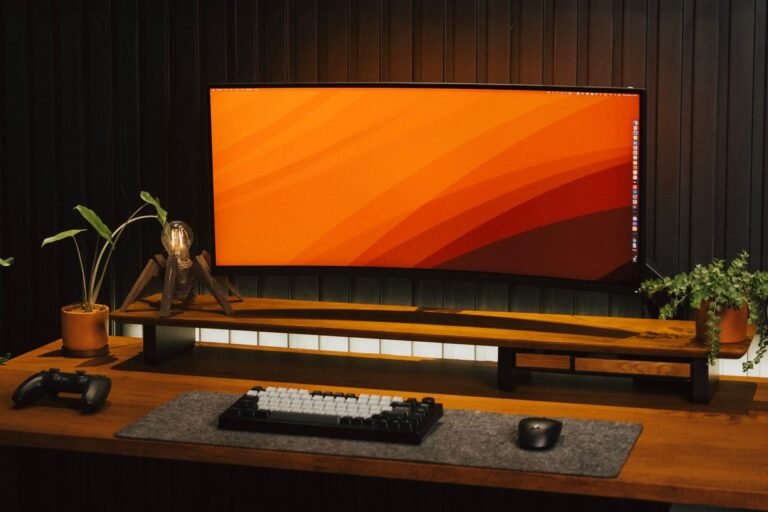
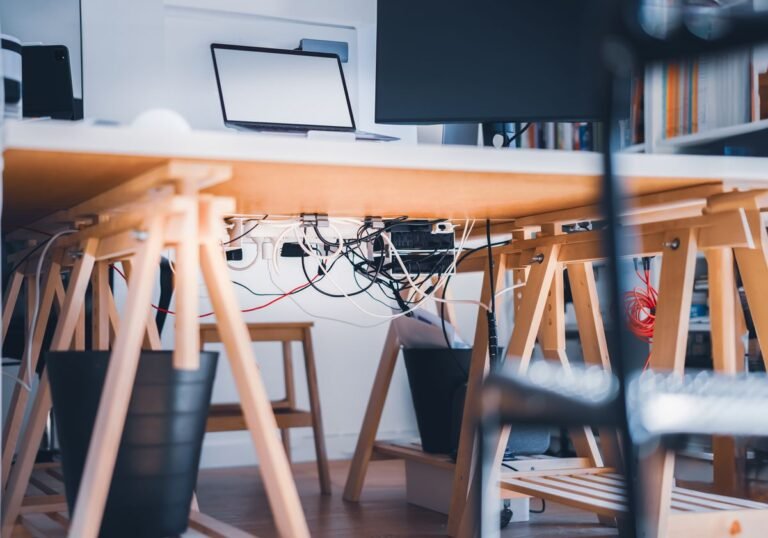
A desktop tower eats a third of a compact desk or claims precious floor space; a laptop permanently occupies the desk surface itself. Mini PCs disappear: VESA-mount them behind the screen, pair them with a monitor arm to float the display, and your entire computer footprint becomes invisible. Add tidy cable management and even a 30-inch desk feels spacious.
How We Chose These Mini PCs
- Small-space fit first: every pick is under ~5.5 inches square and VESA-mountable or shelf-friendly.
- Real-work capability: minimum 16GB RAM and NVMe storage — the two specs that make a cheap PC feel fast.
- Noise and power: quiet fans and low wattage matter when the office is also your living room or bedroom.
- Port sanity: at least dual-display output and USB for your peripherals without a dongle farm.
What to Look for in a Mini PC
Processor tier
Intel N100/N150 class chips are perfect for office work and streaming. Step up to Ryzen 7/9 or Apple M-series when your work includes editing, development or heavy multitasking.
Memory and storage
16GB RAM is the comfortable floor in 2026; 8GB feels tight fast. Make sure storage is an NVMe SSD (all our picks are) and note whether RAM is upgradeable — Beelink and Minisforum usually are, the Mac mini is not.
Mounting and placement
A VESA bracket turns the back of your monitor into a PC bay. If your screen’s mount holes are taken by an arm, most brackets sandwich between arm and display — or the PC simply sits on a shelf; see our mini PC setup guide for placement ideas.
Bottom line: mini PCs are the small-space upgrade with the biggest visible payoff — the computer vanishes and the desk comes back. Pick the S12 Pro for everyday office work, the SER5 MAX when you need real muscle, and the Mac mini M4 if you live in the Apple world. Whichever of these mini PCs you choose, plan the mounting before you buy so the box never touches your desk. Still weighing a laptop instead? Our mini PC vs laptop comparison settles it.
Frequently Asked Questions
Are mini PCs good enough for a home office?
Yes — modern mini PCs with an N100-class chip and 16GB of RAM handle office suites, dozens of browser tabs, video calls and streaming without breaking a sweat. Only heavy editing, 3D or gaming needs a higher tier.
Can I mount a mini PC behind my monitor?
Most mini PCs include a VESA bracket that bolts to the mounting holes on the back of a monitor. The PC disappears completely, which is the single best desk-space trick in a small office.
Mini PC or laptop for a small desk?
If the machine never leaves the desk, a mini PC gives you more performance per dollar, a full-size screen and a cleaner setup. A laptop only wins when you genuinely work away from home.
How much should I spend on a mini PC?
Around $150–$200 covers excellent office-work mini PCs. Budget $300 for laptop-class performance, and $550+ only if you edit video, develop software or want the Mac ecosystem.
Are mini PCs noisy?
The budget Intel models are near-silent because their chips draw so little power. Performance models have audible fans under sustained load but stay quiet during normal office work.