How to Manage Cables on a Small Desk (2026)
Disclosure: As an Amazon Associate, UnfoldDesk earns from qualifying purchases at no extra cost to you.
On a small desk, cable clutter isn’t just ugly — it steals the little surface and legroom you have. The fix is a quick, three-part routine: lift the power strip off the floor, bundle the visible cords into one line, and hide what’s left. This guide walks through exactly how to manage cables on a small desk, in the order that gives the biggest payoff for the least effort, and which inexpensive tools do each job. Good cable management on a small desk is half tidiness, half safety; see cable-management basics for the principles that keep a small desk clear.
Step 1: Get the Power Strip Off the Floor
The single biggest win is mounting your power strip under the desk on a no-drill tray. It clears the floor (so nothing dangles into your legroom and vacuuming is easy) and gives every cable a single destination. On a small desk this one change makes the whole setup look intentional. See the trays in our cable management guide.
Step 2: Bundle the Visible Cords
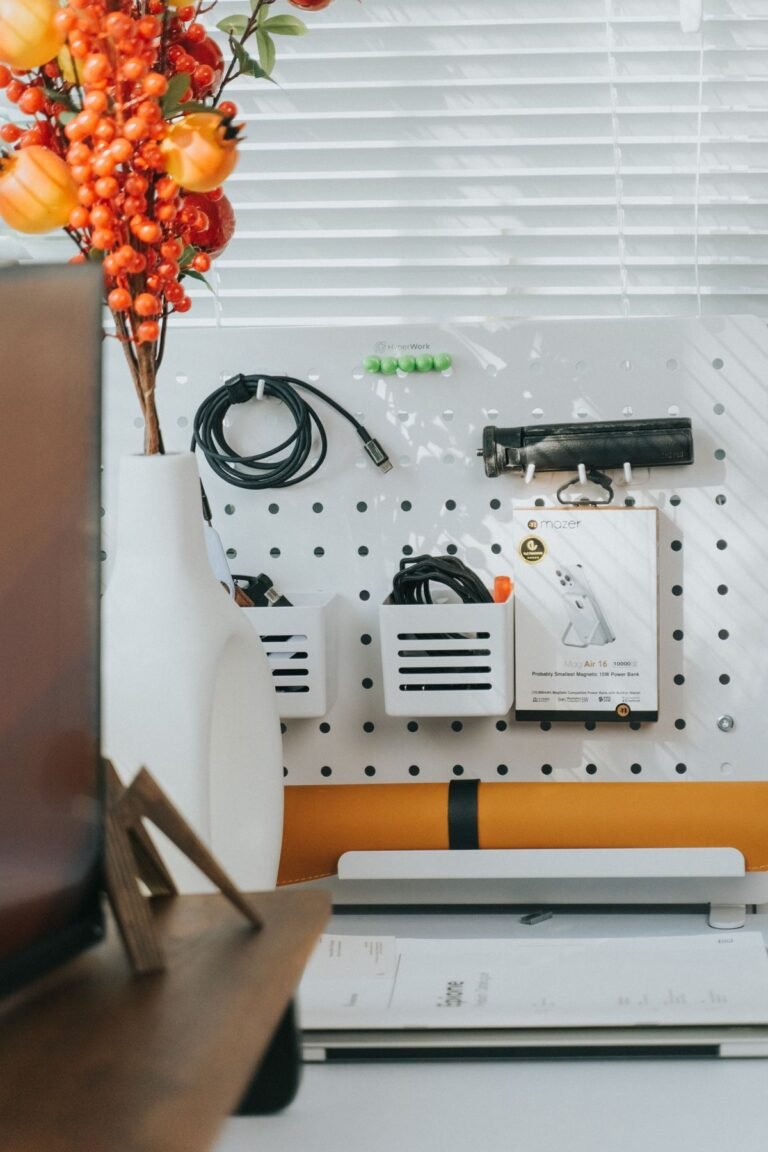
Three loose cables look like a mess; the same three wrapped into one neat line look deliberate. A split cable sleeve gathers the cords running from the desk to the wall, and the split design lets you add or remove a cable without unthreading everything. For shorter runs, a few reusable velcro ties do the same job for pennies.
Step 3: Hide What’s Left
Anything you can’t lift or bundle goes in a cable box. It hides the strip and the plug nest behind a clean cover with slots for cords to pass through. Stick-on cable clips along the desk leg or wall keep individual runs tidy and stop cords from sliding to the floor.
Quick Wins for a Small Desk
- Route the monitor cable up an arm: if you use a monitor arm, its built-in clips keep that cable off the surface entirely.
- Use the right sleeve diameter: too tight won’t close, too loose looks baggy.
- Leave a little airflow around an enclosed power strip — don’t cram it.
- Label both ends of each cable so you never unplug the wrong thing.
Tidy Cables on Your Small Desk
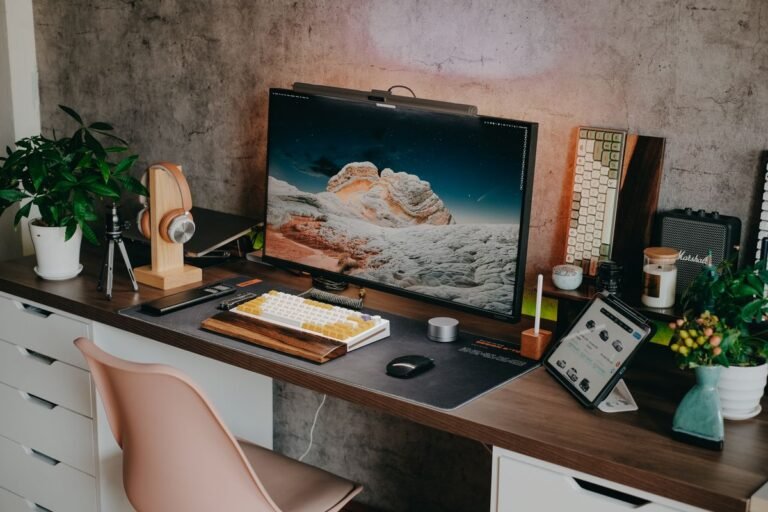
Cable clutter steals the surface and legroom on a small desk, so lift the power strip, bundle the cords, and hide the rest. These steps clear a small desk for the least effort and money. A tidy small desk feels noticeably bigger.
Bottom line: tidy cables make a small desk feel twice as big. Lift the power strip off a small desk, bundle what is visible, and hide the rest — on a small desk, those three steps reclaim real surface and legroom. Keep the routine up and your small desk stays clear.
Related Buying Guides
Frequently Asked Questions
What’s the easiest way to manage cables on a small desk?
Start by mounting the power strip on a no-drill under-desk tray to clear the floor, then bundle the visible cords with a sleeve. Those two steps solve most small-desk cable clutter for very little money.
How do I hide a power strip on a small desk?
Either lift it onto an under-desk cable tray so it’s out of sight beneath the desktop, or enclose it in a cable management box with slots for the cords. Both keep the tangle hidden without using surface space.
Do I need to drill to manage cables?
No. No-drill trays clamp or stick under the desk, and sleeves, boxes, and adhesive clips need no tools at all — ideal for renters and anyone who doesn’t want holes in the desk.
How do I keep the monitor cable off the desk?
Route it through the cable clips on a monitor arm, which carries the cable up and back along the arm. If you don’t use an arm, a stick-on clip at the back edge keeps it from sliding onto the surface.
Is cable management worth it for just a laptop?
Yes — even a charger, a monitor cable, and a power strip clutter a small desk. A compact tray or a cord sleeve costs little and makes a tight workspace feel noticeably cleaner and larger.
Final Thoughts
Cable management is the cheapest upgrade that makes a small desk feel bigger. Lift the strip, bundle the cords, hide the rest — in that order. For the exact products that do each job, see our full cable management guide for home offices.